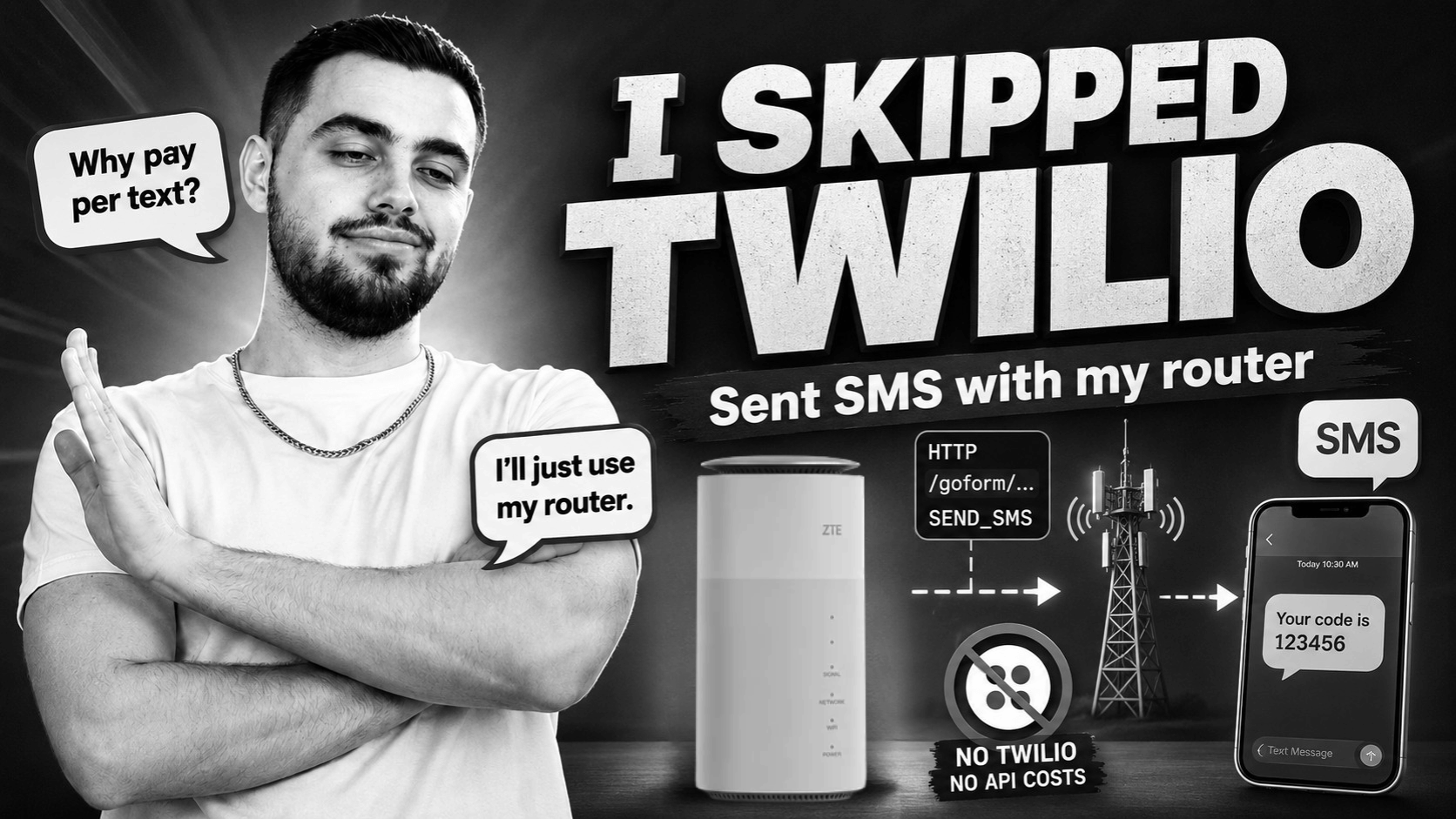
Most SMS stuff you see online goes straight through Twilio, Vonage, or some other API. You pay per message, wire up a key, and call it a day.
I didn’t bother with that.
I’ve got a MC-888 5G router sitting on my network with a SIM inside it. It already sends SMS from the admin UI. So the idea was simple: instead of paying a third party to send texts, just talk to the router directly and do it myself.
This is basically how I wired that up.
Why not just use an SMS API?
Honestly, SMS APIs are fine. They work, they scale, they’re boring in a good way.
But for my use case:
- I already pay for the SIM anyway
- Message volume is tiny (alerts, OTPs, nothing serious)
- I don’t want another monthly bill for something I barely use
- It’s not customer-facing, just internal tooling
- I like owning this kind of infra when it’s simple enough
Trade-off is obvious though: you lose reliability guarantees. Router might hang, sessions expire, messages can fail silently. You’re basically the ops team now.
What’s interesting about the MC-888
The router already is an SMS gateway.
It just doesn’t advertise it properly.
Like most ZTE-based consumer routers, it exposes internal HTTP endpoints that the web UI uses. No SDK, no docs - just /goform/... requests on your local network.
So instead of:
“send SMS via API provider”
you get:
“reverse engineer the same endpoints the admin panel uses”
Pros:
- No per-message cost (beyond SIM plan)
- Everything stays local
- You control the number entirely
Cons:
- Totally undocumented
- Random quirks
- Definitely not built for production scale
How it works (roughly)
Flow looks like this:
flowchart LR
    A[Your script / app] -->|HTTP goform API| B[MC-888 on LAN]
    B -->|SMS over cellular| C[Mobile network]
    C --> D[Recipient phone]
Steps:
- Log into the router over HTTP (same as web UI)
- Grab some internal values (salts/tokens/whatever firmware calls them)
- Hash the password in a very specific way
- Build a session token (
AD) - Send SMS payload using a POST request
- Message goes out over the SIM
The annoying part is encoding - the message body needs to be UTF-16BE hex, not plain text.
Python example
This is a trimmed version of what I ended up with:
import hashlib
import requests
from base64 import b64encode
from datetime import datetime
from urllib.parse import urlencode

HOST = "192.168.0.1"
USER = "admin"
PASSWORD = "your-router-password"

session = requests.Session()
_info = None
_ad = None


def sha256(s: str) -> str:
    return hashlib.sha256(s.encode()).hexdigest().upper()


def router_request(path, data=None):
    headers = {
        "Authorization": "Basic " + b64encode(f"{USER}:{PASSWORD}".encode()).decode(),
        "Referer": f"http://{HOST}/index.html",
        "X-Requested-With": "XMLHttpRequest",
    }

    method = "POST" if data else "GET"

    resp = session.request(
        method,
        f"http://{HOST}{path}",
        data=urlencode(data) if data else None,
        headers=headers,
        timeout=(5, 15),
    )
    resp.raise_for_status()
    return resp.json()


def login():
    global _info, _ad

    _info = router_request(
        "/goform/goform_get_cmd_process?" + urlencode({
            "isTest": "false",
            "cmd": "wa_inner_version,cr_version,LD,RD",
            "multi_data": "1",
        })
    )

    router_request("/goform/goform_set_cmd_process", {
        "isTest": "false",
        "goformId": "LOGIN",
        "user": USER,
        "password": sha256(sha256(PASSWORD) + _info["LD"]),
    })

    _ad = sha256(
        sha256(_info["wa_inner_version"] + _info.get("cr_version", "")) + _info["RD"]
    )


def send_sms(number: str, message: str):
    now = datetime.now()

    return router_request("/goform/goform_set_cmd_process", {
        "isTest": "false",
        "goformId": "SEND_SMS",
        "Number": number,
        "sms_time": (
            f"{now.year % 100:02d};{now.month:02d};{now.day:02d};"
            f"{now.hour:02d};{now.minute:02d};{now.second:02d};+0"
        ),
        "MessageBody": message.encode("utf-16-be").hex().upper(),
        "encode_type": "UNICODE",
        "AD": _ad,
    })


if __name__ == "__main__":
    login()
    print(send_sms("07900409094", "Hello from Python"))
A few things I ran into
- UK numbers: stick to
07..., don’t use+44 - Router keeps sent messages internally - if it fills up, sends can start failing
- Sessions expire randomly, so re-login is sometimes needed
- Error handling is basically “try it and see what breaks”
It’s not exactly a stable API. It’s more like “whatever the router feels like doing today”.
When this is actually useful
Good use cases:
- Homelab alerts
- Small internal tools
- OTPs for personal systems
- Low volume notifications
Bad use cases:
- Anything production/customer-facing
- High volume messaging
- Anything that needs guaranteed delivery or analytics
Final take
This is not better than an SMS provider.
It’s just already there.
The router was sitting on the network, the SIM was already paid for, and the only missing piece was figuring out the HTTP calls behind the UI.
Once that’s done, it’s basically a 20-line SMS gateway you control completely (with all the quirks that come with that.)