Introduction
A few years ago, my files were all over the place.
Client work was in one cloud drive. Personal backups were somewhere else. Team docs were in another service I was paying for every month. Every time someone needed a file, I had to mess around with share links, check who had access to what, and then eventually hit another storage limit and upgrade again.
It got annoying fast.
So I built ZSM Vault.
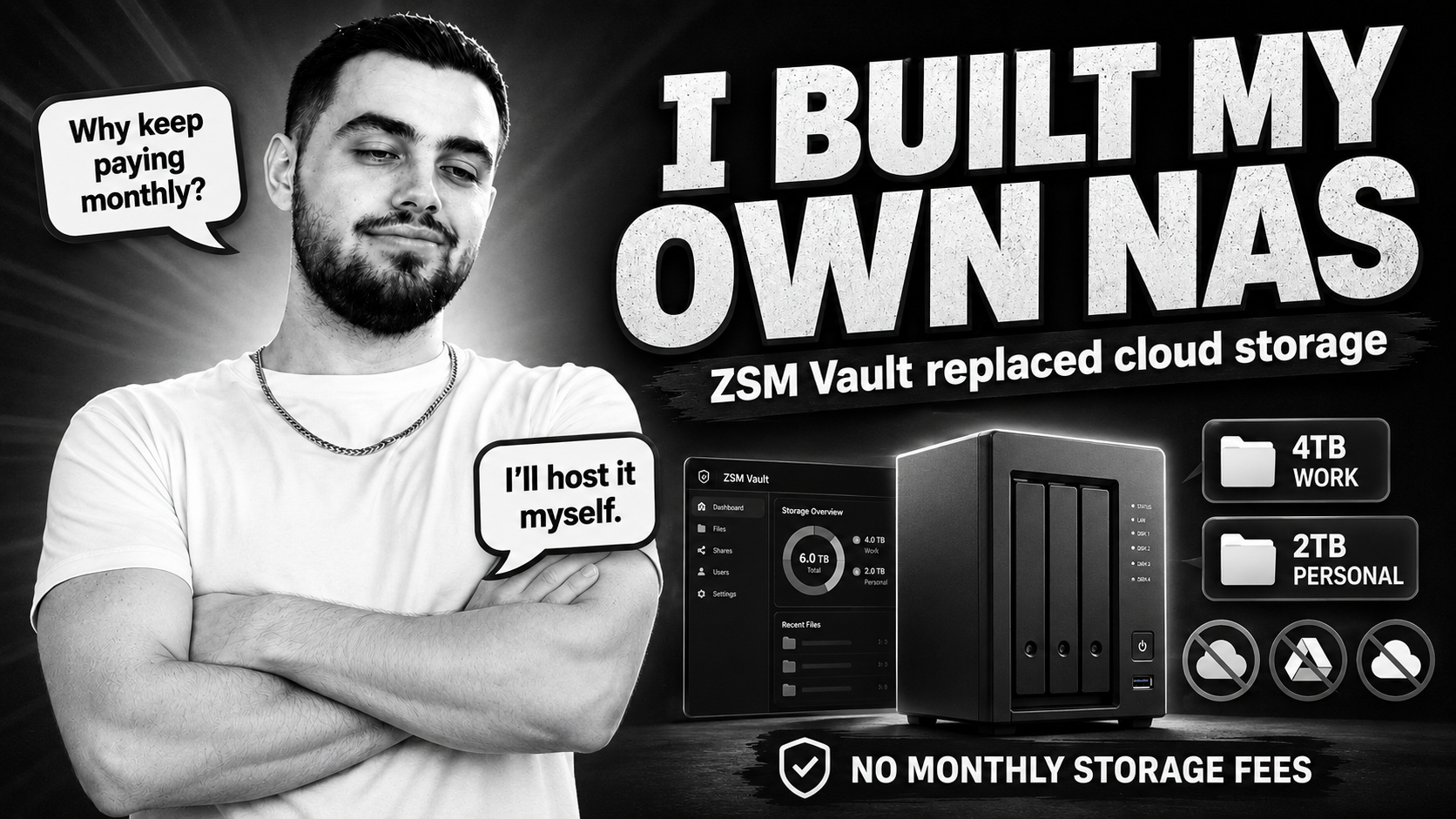
It’s basically my own self-hosted storage system running on a small server at home, with two NVMe M.2 drives: one 2 TB drive for my personal stuff and one 4 TB drive for business and shared files. It also has another 500 GB SATA SSD which backs up the starred folders in ZSM Vault to keep them secure, and I retain 2 TB of cloud backup storage to keep the setup aligned with the 3-2-1 backup rule. It also has a custom web interface, desktop file sharing through SMB, and secure remote access through a private mesh network.
It started as a weekend homelab project. Then it slowly became one of the most useful things I’ve built for both work and personal files.
Why I stopped relying so much on cloud storage
Cloud storage is good until it starts getting in the way.
You pay every month forever. Storage upgrades add up. Permissions are not always flexible enough. And if you work with different clients, collaborators, and internal files, it becomes messy quickly.
For a small business, it’s not just “a few files”. It’s project folders, design assets, contracts, invoices, backups, internal docs, and all the random stuff that somehow becomes important six months later.
I was spending around £180 a month across storage, backup, and file sharing tools.
That’s well over £2,000 a year (£2,160) just to store and access my own files.
I wanted something that worked like a modern cloud drive, but without the constant subscription and without giving up control.
What ZSM Vault is
At the basic level, ZSM Vault is simple:
A Linux server, two fast NVMe M.2 drives, a 500 GB SATA SSD for starred folder backups, and a Flask web app I built to manage everything.
But once it all came together, it became more than just “files on a drive”.
It has:
- A shared vault for business files
- A separate personal drive for my own files
- A private admin area for sensitive stuff
- A 500 GB SATA SSD backing up starred folders in ZSM Vault
- 2 TB of retained cloud backup storage for the 3-2-1 backup rule
- A web dashboard
- Desktop access through SMB
- Folder-level permissions
- Drive health monitoring
- Secure remote access
- A local AI assistant running on the same machine
No huge enterprise setup. No overcomplicated stack. Just a server that does what I need.
flowchart TB
    subgraph clients [How I access it]
        WEB[Web UI, browser on any device]
        SMB[SMB shares, Finder or Explorer]
        VPN[Secure remote access, mesh VPN]
    end

    subgraph vault [ZSM Vault server]
        UI[Custom dashboard and file manager]
        PERM[Folder permissions engine]
        HEALTH[Drive health and alerts]
        AI[Local AI assistant]
    end

    subgraph storage [Storage]
        BUSINESS[4 TB NVMe M.2, business and shared vault]
        PERSONAL[2 TB NVMe M.2, personal files]
        ADMIN[Private admin area]
        SATA[500 GB SATA SSD, starred folder backups]
        CLOUD[2 TB cloud backup storage, 3-2-1 rule]
    end

    WEB --> UI
    SMB --> BUSINESS
    SMB --> PERSONAL
    VPN --> UI
    UI --> PERM
    UI --> HEALTH
    UI --> AI
    PERM --> BUSINESS
    UI --> PERSONAL
    UI --> ADMIN
    BUSINESS --> HEALTH
    PERSONAL --> HEALTH
    ADMIN --> BUSINESS
    BUSINESS --> SATA
    SATA --> CLOUD
The shared business vault
The main shared vault runs on the 4 TB NVMe M.2 drive and holds the files I use day to day for the business.
Client folders, brand assets, SOPs, invoices, scanned documents, project archives, all of it lives in one place now.
The important part is the permissions.
Each user only sees the folders they’re allowed to see. It’s not one big shared drive where everyone can accidentally open everything. If someone only needs access to one client folder, that’s all they get.
The same permissions also sync to the SMB shares, so it works whether someone is using the web interface or mounting the drive on their laptop.
That alone has saved me loads of time. Way less “can you send me that file again?” or “where’s the latest version?” messages.
The personal drive
I also have a separate 2 TB NVMe M.2 drive just for my personal files.
That holds things like phone backups, personal documents, software archives, old projects, media files, machine images, and random stuff I want to keep but do not want mixed in with business files.
Keeping it separate makes the whole setup cleaner. Business files stay on the 4 TB shared vault, and my own files stay on the 2 TB personal drive.
It means I can manage everything from the same system without turning it into one messy folder full of work and personal files mixed together.
The private admin area
On top of that, I also have a private admin-only area for sensitive files.
Things like credentials exports, infrastructure notes, and documents that should not sit next to normal client files.
It’s still managed through the same interface, but it’s kept separate from normal shared folders. Cleaner, safer, and easier to manage.
The backup layer
There is also another 500 GB SATA SSD in the server, separate from the NVMe drives.
That drive backs up the starred folders in ZSM Vault, so the most important folders have an extra local copy. On top of that, I retain 2 TB of cloud backup storage, which keeps the setup closer to the 3-2-1 backup rule instead of relying only on the vault itself.
The web interface
I didn’t want to SSH into the server every time I needed to move or check files.
So I built a web UI for it.
It has:
- A proper file browser for uploading, renaming, moving, and previewing files
- Markdown, HTML, and CSV previews in the browser
- A live dashboard for CPU, memory, network, and storage usage
- Drive health checks using SMART data
- Temperature and storage alerts
- User and permission management
- A mobile-friendly layout
- A local AI assistant through Ollama
It’s not trying to be as polished as Synology or Google Drive. I just built the parts I actually needed and skipped the stuff I didn’t care about.
How it helped the business
This is not some massive enterprise system. It’s just something I built for my own workflow.
But the impact has been bigger than I expected.
Everything is finally in one place
Before ZSM Vault, files were spread across Google Drive, Dropbox, email attachments, and random local folders.
Finding the latest version of something was a pain.
Now there’s one main place for everything.
The business vault has plenty of room with the 4 TB NVMe M.2 drive, so client work, internal files, and archives are not constantly fighting for space.
If I need a logo export from six months ago, it’s there. If I need a signed contract, it’s there. If I need an old project folder, it’s there.
No digging around five different platforms.
Easier client collaboration
I can give each client or collaborator access to exactly what they need.
Sometimes that’s one folder. Sometimes it’s read-only. Sometimes it’s a full project directory.
I don’t need to create another paid cloud seat every time someone needs access to a few files.
Roughly speaking, the setup I had before would probably cost around £2,000 to £2,100 a year now, based on the storage and users I actually need.
The server paid for itself in under a year.
Uptime is in my control
The vault has been running properly since I moved it from a Raspberry Pi to proper x86 hardware.
Downtime has been tiny. Minutes, not hours.
And when something does go wrong, I can fix it myself instead of waiting for a cloud provider status page to update.
That matters when a client is waiting for a file and I’m trying to pull it from my phone while I’m out.
Better document workflow
Markdown and HTML previews mean SOPs and internal docs can be read straight in the browser.
The team can still mount the drive through SMB and edit files using whatever tools they prefer, but the vault stays the source of truth.
Over time I’ve added more stuff around it too, like health alerts and other small services on the same network. So now it’s not just a file share. It’s more like a small internal platform.
Personal files
The business side is useful, but I use it just as much for personal files.
Phone photo backups, documents, software archives, machine images, media files, old projects, all the stuff that used to be spread across external drives and random cloud accounts now lives on the separate 2 TB NVMe M.2 personal drive.
That gives me breathing room without mixing personal files into the business vault.
And honestly, there’s something nice about knowing exactly where your files are. No storage upsell banners. No random sync limits. No feeling like you’re renting access to your own data.
What was worth it
The best parts have been:
- Owning the hardware
- Owning the software
- Keeping business and personal storage separate
- Having a separate SATA SSD for starred folder backups
- Retaining 2 TB of cloud backup storage for the 3-2-1 rule
- Having proper folder-level permissions
- Building the UI around how I actually work
- Using a mesh VPN instead of exposing the server to the public internet
The trade-offs
It’s not perfect.
You are the support desk.
Backups are your responsibility.
If you want a new feature, you have to build it.
The vault itself is not a backup plan either. It still needs proper backup strategy around it.
That’s why the extra 500 GB SATA SSD backs up starred folders locally, while the retained 2 TB cloud backup storage helps keep the overall setup aligned with the 3-2-1 backup rule.
But for my use case, the trade-off is worth it.
I would not go back to paying monthly for this setup.
The stack
For anyone interested, this is what it runs on:
| Layer | Setup |
|---|---|
| OS | Ubuntu on x86 hardware |
| Business storage | 4 TB NVMe M.2 drive |
| Personal storage | 2 TB NVMe M.2 drive |
| Local backup | 500 GB SATA SSD for starred folders |
| Cloud backup | 2 TB retained cloud backup storage |
| Web app | Python, Flask, Gunicorn |
| Database | SQLite for users and permissions |
| Desktop access | Samba / SMB |
| Remote access | Tailscale mesh VPN |
| AI | Local Ollama instance |
| Monitoring | Custom dashboard, SMART checks, alerts |
No Kubernetes. No microservices. No unnecessary complexity.
Just a server, two drives, one SATA backup SSD, retained cloud backup storage, and a web app that does the job.
Final thoughts
ZSM Vault was not meant to become a product.
I built it because I was tired of files being everywhere, permissions being annoying, and paying every month for storage I could own myself.
Now I have fast storage, proper access control, a web UI that works on my phone, and no monthly bill just to get to my own files.
The 4 TB business drive handles the serious work stuff. The 2 TB personal drive keeps my own files separate. Both are fast NVMe M.2 drives, and both are managed from the same system. The 500 GB SATA SSD adds a local backup layer for starred folders, and the retained 2 TB cloud backup storage helps keep the setup in line with the 3-2-1 backup rule.
For a small business, building something like this is more doable than people think.
Start simple. A disk, Samba, and secure access. Add permissions when you need them. Add a dashboard when you get tired of checking things manually.
The best infrastructure is the stuff you forget about because it just works.
And when I need a file at 11pm from a hotel room or on my phone while travelling, ZSM Vault is just there.